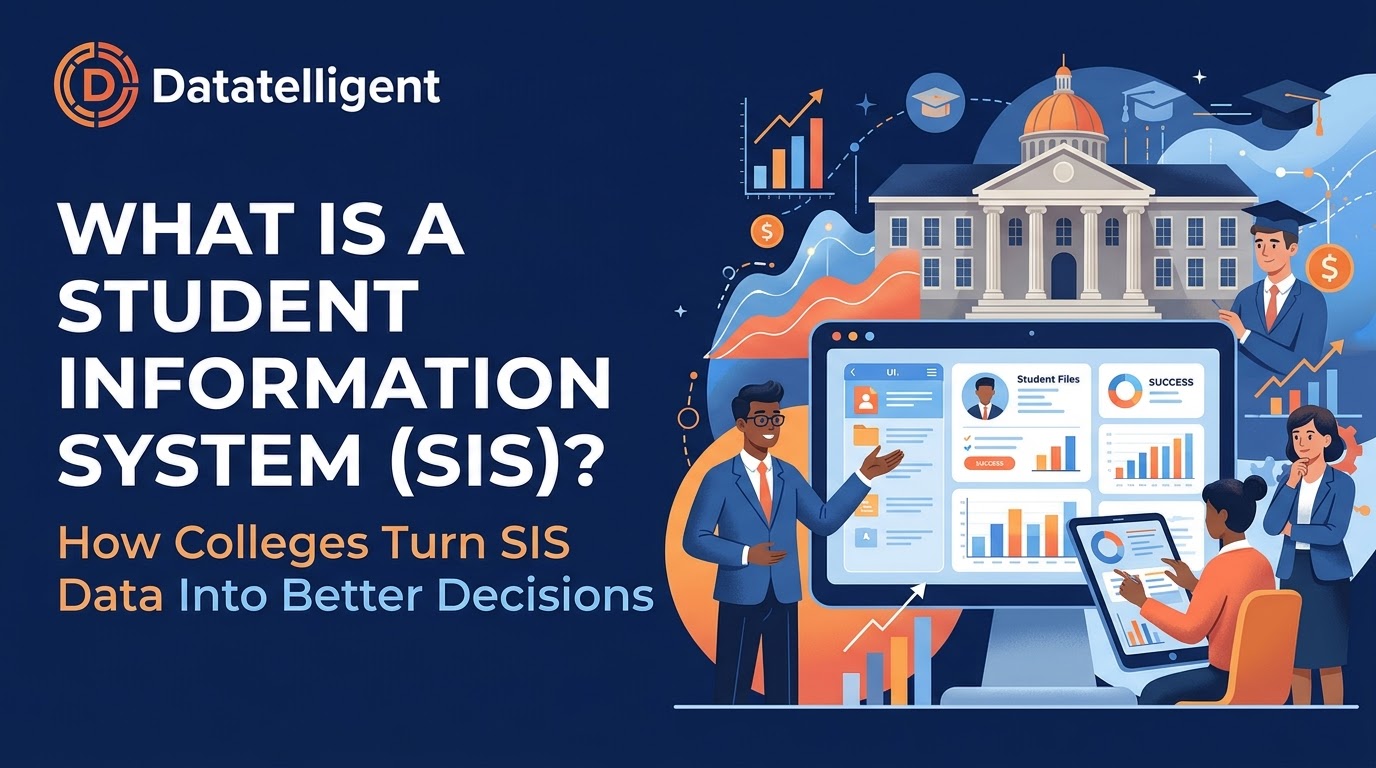
Every college runs on its student information system. Each application, registration, grade, transcript and financial aid award passes through it. But most institutions use only part of what’s in that data. The SIS is good at recording what happened. It’s much harder to use it to understand why something happened and what to do next.
This guide explains what a student information system is, what it does in higher education, which platforms colleges commonly use, and how institutions turn SIS data into decisions that improve enrollment, retention and completion.
What Is a Student Information System?
A student information system (SIS) is the central software platform a college or university uses to manage student data across the student lifecycle, from first inquiry to graduation and beyond. It’s the official system of record for who your students are, what they’re enrolled in and how they’re progressing.
Because it holds so much core data, the SIS connects to nearly every office on campus: admissions, the registrar, financial aid, advising, the bursar, institutional research and academic departments.
What Does a Student Information System Do in Higher Education?
A student information system in higher education typically handles:
- Admissions and recruitment: applications, admission decisions and enrollment deposits
- Registration and enrollment: course catalogs, class schedules, section enrollment and waitlists
- Academic records: grades, GPA, transcripts, academic standing and degree conferral
- Financial aid and student accounts: aid packaging, tuition billing, payments and holds
- Advising and degree progress: program requirements, degree audits and advisor assignments
- Compliance reporting: data for IPEDS, state reporting, accreditation and federal requirements
In short, the SIS keeps the institution running from day to day. Running daily operations and supporting strategic decisions are different jobs, though.
Student Information System Examples
Most colleges and universities run on one of a handful of platforms. Common student information system examples include:
- Ellucian Banner: widely used at public universities and community colleges
- Ellucian Colleague: common at small and mid-sized institutions
- Oracle PeopleSoft Campus Solutions: often used by large universities and state systems
- Workday Student: a newer cloud-native option being adopted by a growing number of institutions
- Anthology Student: used by many private and career-focused institutions
- Jenzabar: popular with small private colleges
Many campuses also run companion tools next to the SIS, such as Degree Works for degree audits or Argos for reporting. (Related: Integrated Student Records: How Higher Ed Unifies Student Data for Better Outcomes)
Why SIS Reporting Falls Short on Its Own
Most SIS platforms include built-in reports, and many institutions add a reporting tool on top. But teams often hit the same walls with SIS reporting:
- Canned reports answer yesterday’s questions. Standard reports show what was built years ago, not what leadership is asking today.
- Data is built for transactions, not analysis. SIS tables are designed to process registrations and grades quickly, not to compare cohorts across five years.
- Requests pile up with IT and IR. When every new question needs a custom query, the backlog grows and decisions get made without the data.
- The SIS sees only part of the student. Learning management system (LMS) activity, CRM interactions, housing, advising notes and finance data live elsewhere.
The result is familiar: plenty of data, and too few answers. (Related: Why Static Reports Fail in Volatile Times: The Case for Agile Data in Higher Education)
SIS Data Integration: Connecting the SIS to the Rest of Campus
The biggest gains come from SIS data integration, which means combining SIS data with the other systems that shape the student experience. When enrollment and grade data sit alongside LMS engagement, advising activity, financial aid and HR/finance data, new questions become answerable:
- Which first-year students are disengaging in the LMS before midterm grades post?
- How does unmet financial need affect fall-to-spring persistence?
- Which gateway courses have the highest DFW (D, F or withdraw) rates, and for which student populations?
- What does it actually cost to deliver each academic program?
The modern way to do this is a cloud data platform that pulls data out of each source system, standardizes definitions such as “enrolled,” “retained” and “completer,” and makes the combined data available for reporting and analysis. That keeps work off the SIS and gives everyone on campus one consistent version of the truth. (Related: What ‘Single Source of Truth’ Really Means)
How Colleges Turn SIS Data Into Better Decisions
Once SIS data is integrated and accessible, colleges can use it to drive results across the institution:
Enrollment management. Track the funnel from application to census in close to real time, compare against prior years, and see which programs, regions or populations are ahead or behind target.
Student retention. Identify early warning signs such as course withdrawals, low credit loads, registration holds and missed advising appointments, so student success teams can step in before a student stops out.
Course scheduling and capacity. Use historical demand and degree-progress data to schedule the right sections at the right times, reduce bottleneck courses and shorten time to degree.
Academic program planning. Combine enrollment, completion and cost data to see which programs are growing, which are struggling and where to invest.
Equity and outcomes. Disaggregate retention and completion data to find gaps between student groups and measure whether interventions are closing them.
Leadership and board reporting. Replace one-off spreadsheets with consistent dashboards that presidents, provosts and trustees can trust.
Getting Started: A Practical Roadmap for Using SIS Data
You don’t need to replace your SIS to get more value from it. Most institutions start with these steps:
- Start with the questions. Pick two or three high-priority decisions, such as fall enrollment or first-year retention, and define what data would inform them.
- Agree on definitions. Get admissions, the registrar, IR and finance to agree on how key metrics are calculated.
- Centralize the data. Bring SIS data together with other key systems in a single analytics platform rather than querying production systems directly.
- Make it self-service. Give deans, advisors and directors dashboards they can explore themselves, so IR can focus on deeper analysis.
- Measure and expand. Show results on the first use case, then add more data sources and questions over time.
Frequently Asked Questions About Student Information Systems
What is the difference between an SIS and an LMS?
A student information system manages a student’s official records: admissions, enrollment, grades and transcripts. A learning management system (such as Canvas, Blackboard or D2L Brightspace) delivers course content and tracks day-to-day learning activity. The two systems are most useful when their data is combined.
What is the difference between an SIS and an ERP?
An enterprise resource planning (ERP) system covers institution-wide operations such as finance, HR and payroll. The SIS is the student-focused part. Some vendors sell both as one suite.
Who uses the student information system on campus?
Nearly everyone: admissions, the registrar, financial aid, advising, the bursar, faculty, institutional research and students themselves through self-service portals.
Can you get better reporting without replacing your SIS?
Yes. Most institutions get much more value by integrating SIS data into a dedicated analytics platform than by switching SIS vendors.
Turn Your SIS Data Into Answers
Your student information system already holds the data behind your most important decisions. The challenge is getting that data out, connecting it to the rest of campus and putting it in front of the people who need it.
Datatelligent helps colleges and universities do exactly that. The Fusion Platform, built on Snowflake, brings SIS data together with your other campus systems so leaders, IR teams and student success staff can get answers without waiting in a report queue. Talk to our team to see what your SIS data can tell you.